I want to check my salary slip online through the SBI HRMS portal but haven’t done it before. Has anyone tried this? Can you share how you accessed and downloaded it?
I was also curious about this when I first used the SBI HRMS system, and many employees still find the salary slip download process confusing. It’s actually really easy to do once you know the steps.
How can I check my SBI salary slip online through HRMS?
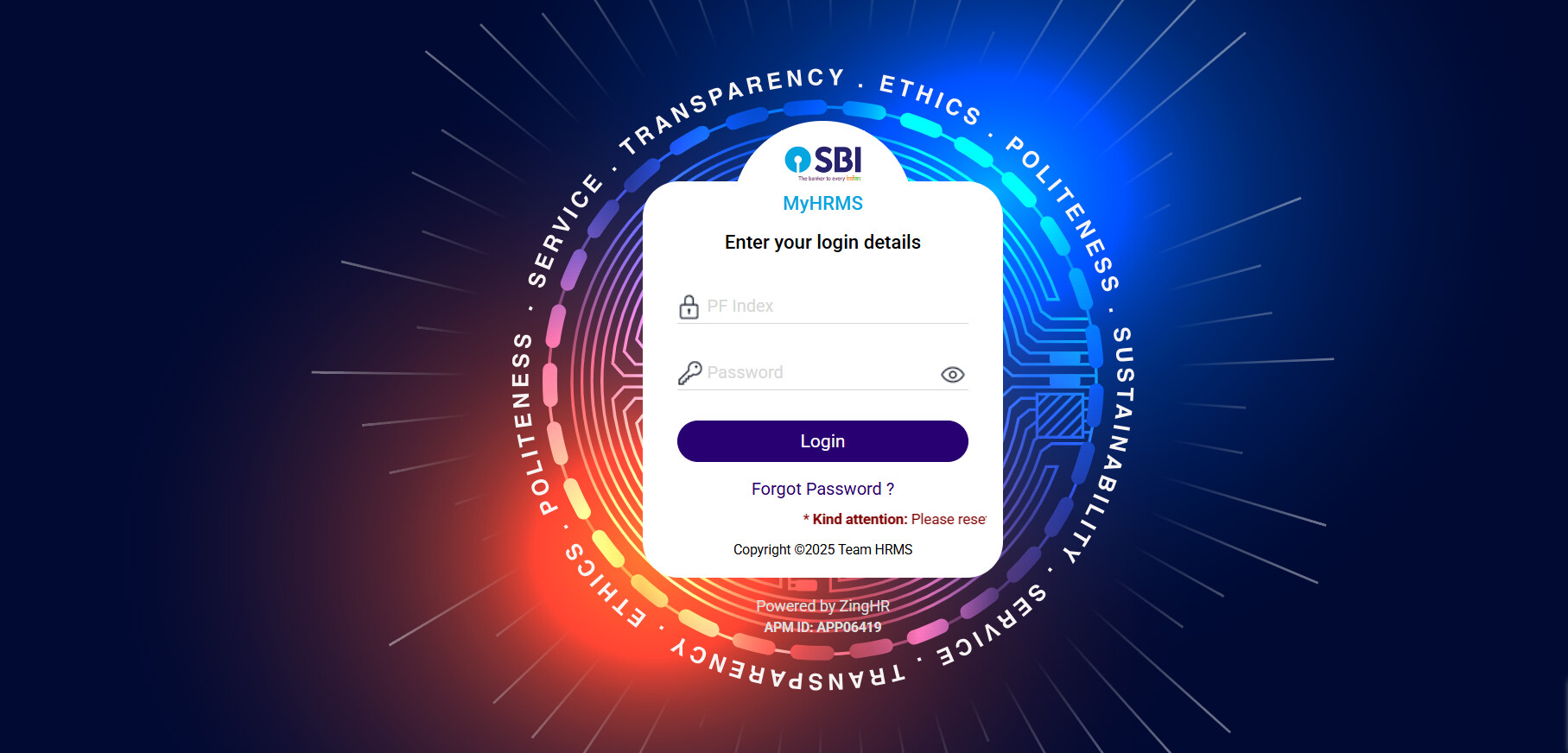
• First you need to download and open the My HRMS SBI app on your phone.
• Then login into the app by entering your credentials properly.
• After that when you get dashboard on your screen, tap on the Salary slip or payslip option.
• Choose the month and year you want to check your salary for.
• View or either download the slip directly from the app.
Key Details Found on SBI Salary Slip
| Information on Slip | What It Tells You |
|---|---|
| Basic Pay | Fixed part of your monthly salary |
| Allowances | Extra components like HRA, DA, and other benefits |
| Deductions | PF, income tax, and other regular deductions |
| Net Pay | Final amount credited to your account |
| Employee Code & Department | Useful for official and HR records |