I’m trying to check my SBI salary slip using the HRMS mobile app, but I’m not very familiar with the navigation. Has anyone here recently accessed their salary details through the app, can you guide me on how to find and download the slip?
It’s very easy to view your salary slip through the SBI HRMS mobile app once your login is active.
How can I check my SBI salary slip using the HRMS mobile app?
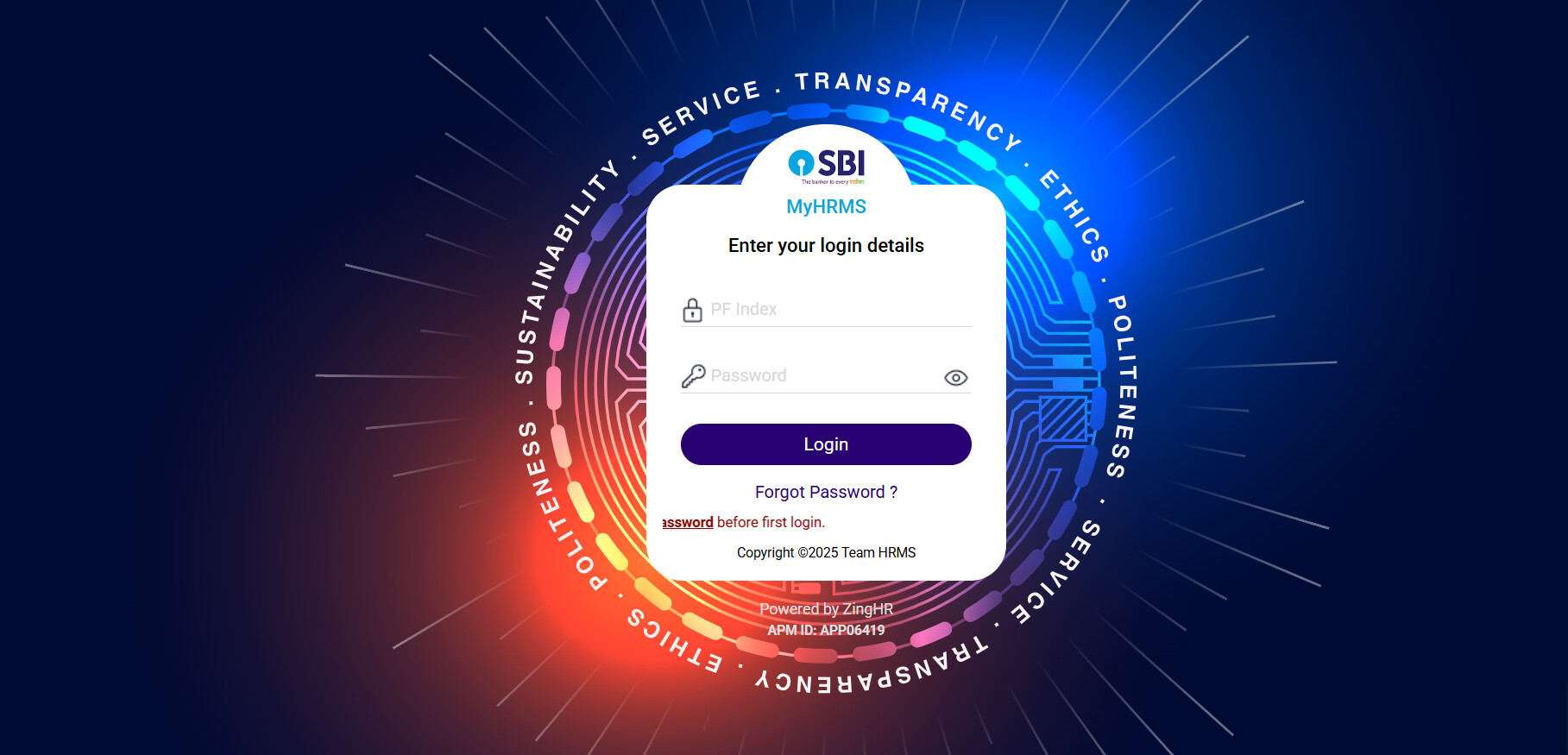
• First you need to download and open the My HRMS SBI app on your phone.
• Then login into the app by entering your credentials properly.
• After that when you get dashboard on your screen, tap on the Salary slip or payslip option.
• Choose the month and year you want to check your salary for.
• View or either download the slip directly from the app.
SBI HRMS App Features for Employees
| Feature | Description | Benefit for Users |
|---|---|---|
| Mobile Accessibility | App works on most smartphones | Check details anytime without visiting a branch |
| Salary Slip Access | Quick access to monthly payslips | Saves time and gives easy proof of income |
| Secure Login | Uses employee credentials to log in | Keeps salary information safe |
| Month-Year Selection | Pick any specific month and year | Easy to track old salary slips |
| Download Option | Salary slip can be saved directly on the device | Helpful for loan applications and personal records |