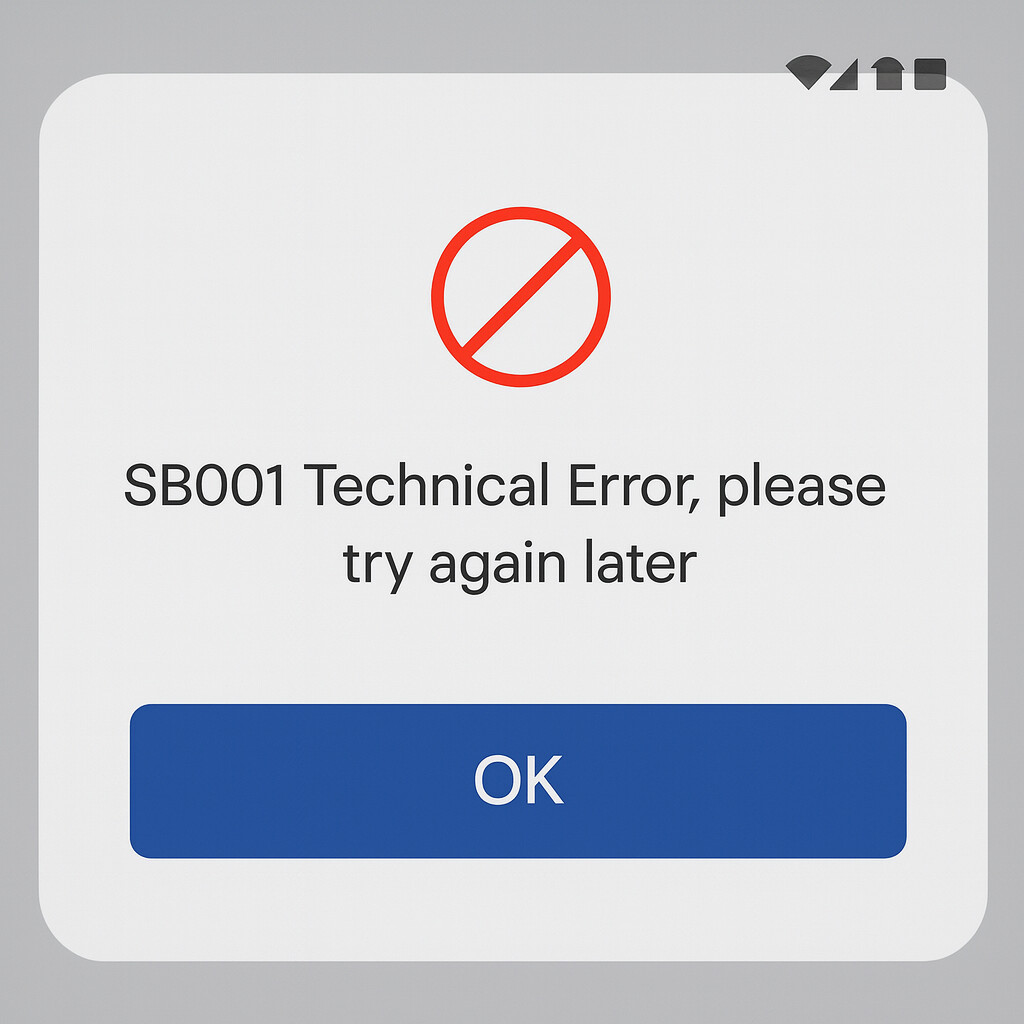
The YONO SBI app keeps displaying a “technical error” when I try to send money. I’m not sure if this glitch is because of the app itself, SBI’s servers, my internet connection, beneficiary problems, or daily limits.
Could someone please explain the root cause of this error and provide basic troubleshooting instructions to successfully complete the transaction?
The good news? Most of these issues can be fixed easily without visiting the bank.
It’s very common to see a “Technical Error” when attempting to transfer money using the YONO SBI app. This typically occurs due to temporary server problems, poor internet, exceeding limits, or issues pertaining to the beneficiary.
Troubleshooting
Issue
Reason
Fix
Server down
SBI maintenance
Wait & retry
Weak network
Unstable internet
Switch network
New beneficiary
Activation pending
Wait 4 hours
Exceeded limit
Daily/beneficiary limit crossed
Reduce amount
Cache problem
Corrupted files
Clear cache
Outdated YONO app
Version mismatch
Update app
VPN ON
Security block
Turn OFF VPN
Wrong time
Authentication failed
Auto time ON
Low balance
Blocked transfer
Check account
If the error continues for hours:
SBI Toll-Free:
1800 1234
1800 2100
1800 425 3800
They can check if your account is blocked or if there’s a bank-side restriction.
From my experience, banking apps tend to stop working exactly when we urgently need them, so I completely understand how frustrating this YONO issue can feel. These errors usually look small, but they can block the whole transaction and waste time.
Why this happens:
YONO often stops mid-transaction because of unstable network, corrupted app data, outdated version, server issues, or crossed transfer limits.
How to fix it
Check your internet stability is proper or not.
Go to the settings then Apps then YONO SBI and then clear it’s cache from the storage.
Install the latest version from the Play Store.
Now check your transfer limits, if you crossed upi or account limit then the payment will fail mid way.
SBI servers may be overloaded or under maintenance.
Reinstall the app if needed as it fixes corrupted or old app files.