I tried logging into the SBI HRMS portal but keep getting the “Invalid Credentials” error. Has anyone faced this? How did you manage to fix it and successfully log in?
I was also curious about this when I faced the same error once while logging in to the SBI HRMS portal. Many employees get this message when something is off with their login details or the system itself.
How to fix the “Invalid Credentials” error on the SBI HRMS portal?
-
The very first you should do is check if you jave typed your login credentials correctly or not as even a single extra space or wrong character can block your login.
-
Make sure that your password has not been expired because SBI HRMS passwords need to be updated on regular basis.
-
Clear your browser history and cache as old saved data can also create login problems sometimes.
-
Don’t copy paste your password and type it manually to prevent any hidden spaces.
-
If all these options doesn’t work then reset your password through the official HRMS password recovery option.
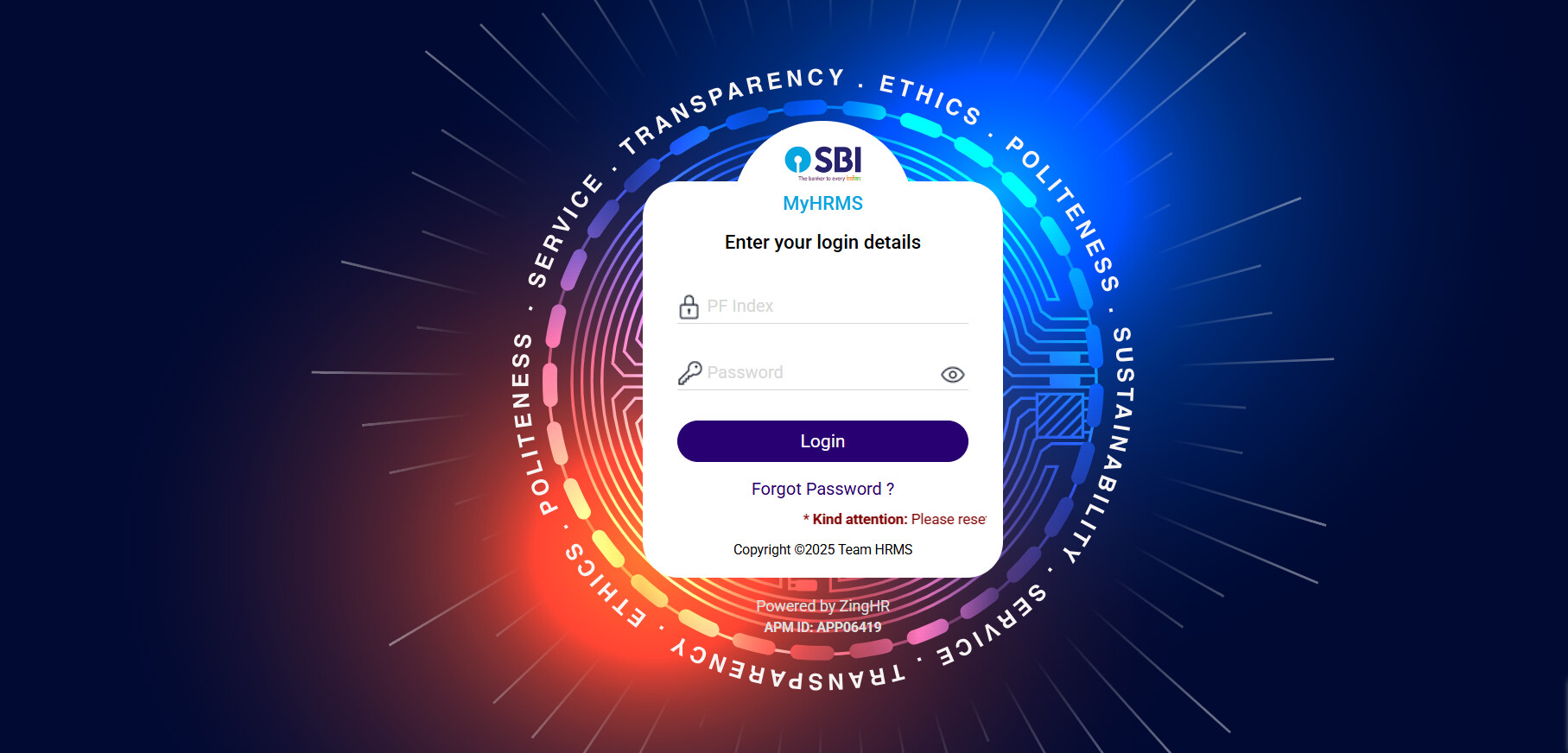
Common Reasons Behind the Error and Fixes
| Reason for Invalid Credentials | How to Fix It Easily |
|---|---|
| Wrong password or extra space | Re-enter your details carefully and avoid copy-paste |
| Expired or old password | Reset your password through the portal to get a new one |
| Browser or cache problem | Clear cache, cookies, and try logging in again |
| System error or server update | Wait and retry after some time if the site is under maintenance |
| Account locked after many failed attempts | Use the “Forgot Password” option or contact your branch HR department for unlocking |