I’m looking to manage my pension, leave, and attendance through the My HRMS SBI app but I’m a bit confused about how to use it. Can anyone here help me?
It is actually really easy to manage things like pension, leave or attendance by using the My HRMS SBI app once you follow these steps.
How to use the My HRMS SBI app for pension, leave, and attendance management?
• First you need to download and open the My HRMS SBI app on your phone.
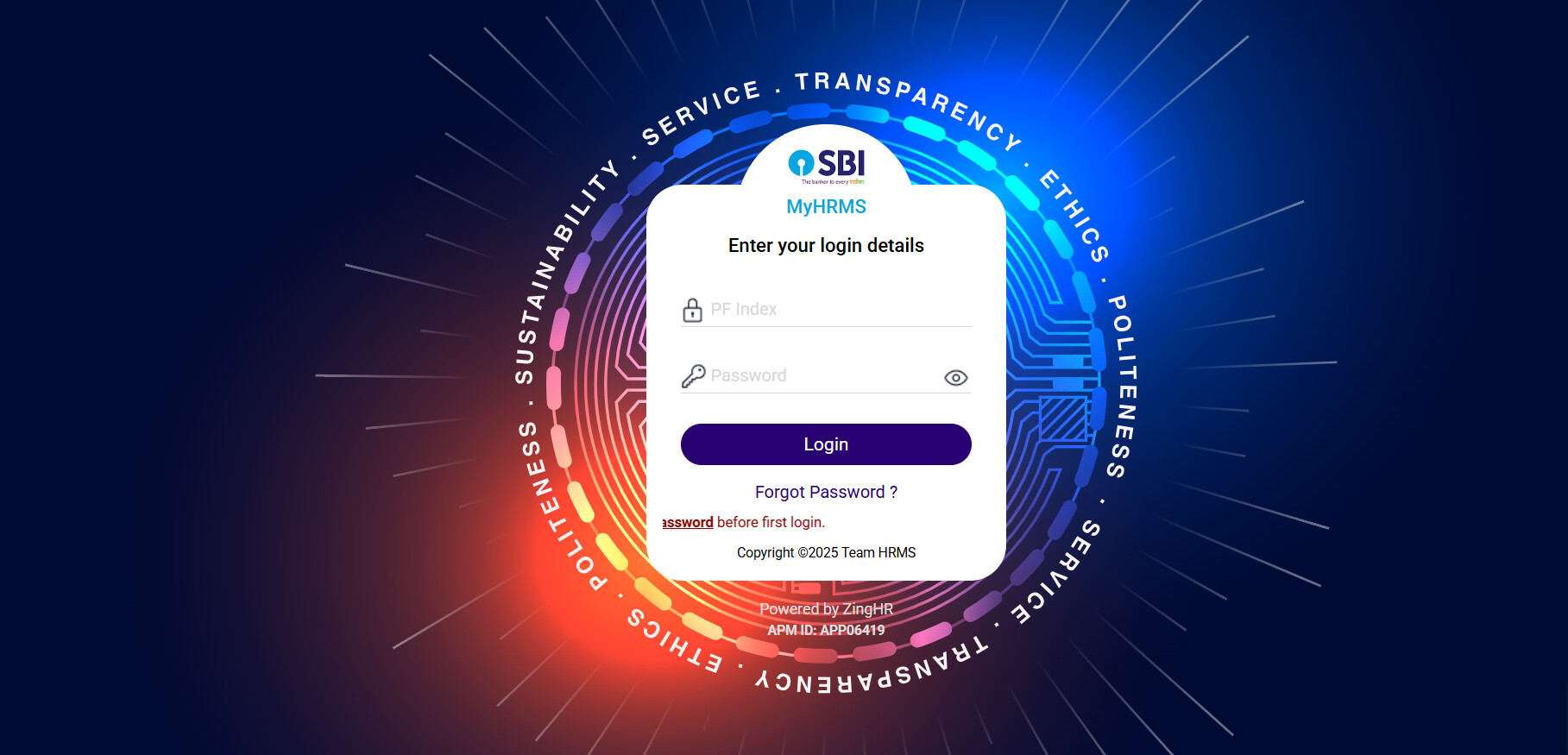
• Then login into the app by entering your credentials properly.
• on the home screen choose the needed service such as pension, leave or attendance.
• if you need pension details then select the pension section to get your monthly slip details.
• if you want to apply or check leave then go to the leave tab and follow the on-screen steps.
• For attendance, select the attendance tab to get your records or to mark.
• Make sure to always log out after using the service for security.
Feature Purpose Benefit to Employees
| Feature | What It Does | Benefit |
|---|---|---|
| Pension Section | View monthly pension details | Easy and fast access to records |
| Leave Management | Apply or track leave | Helps avoid manual work |
| Attendance Tracking | Mark or check attendance | Real-time updates |
| Mobile Access | Access through app | Convenient for daily use |
| Secure Login | Protects personal details | Better data security |