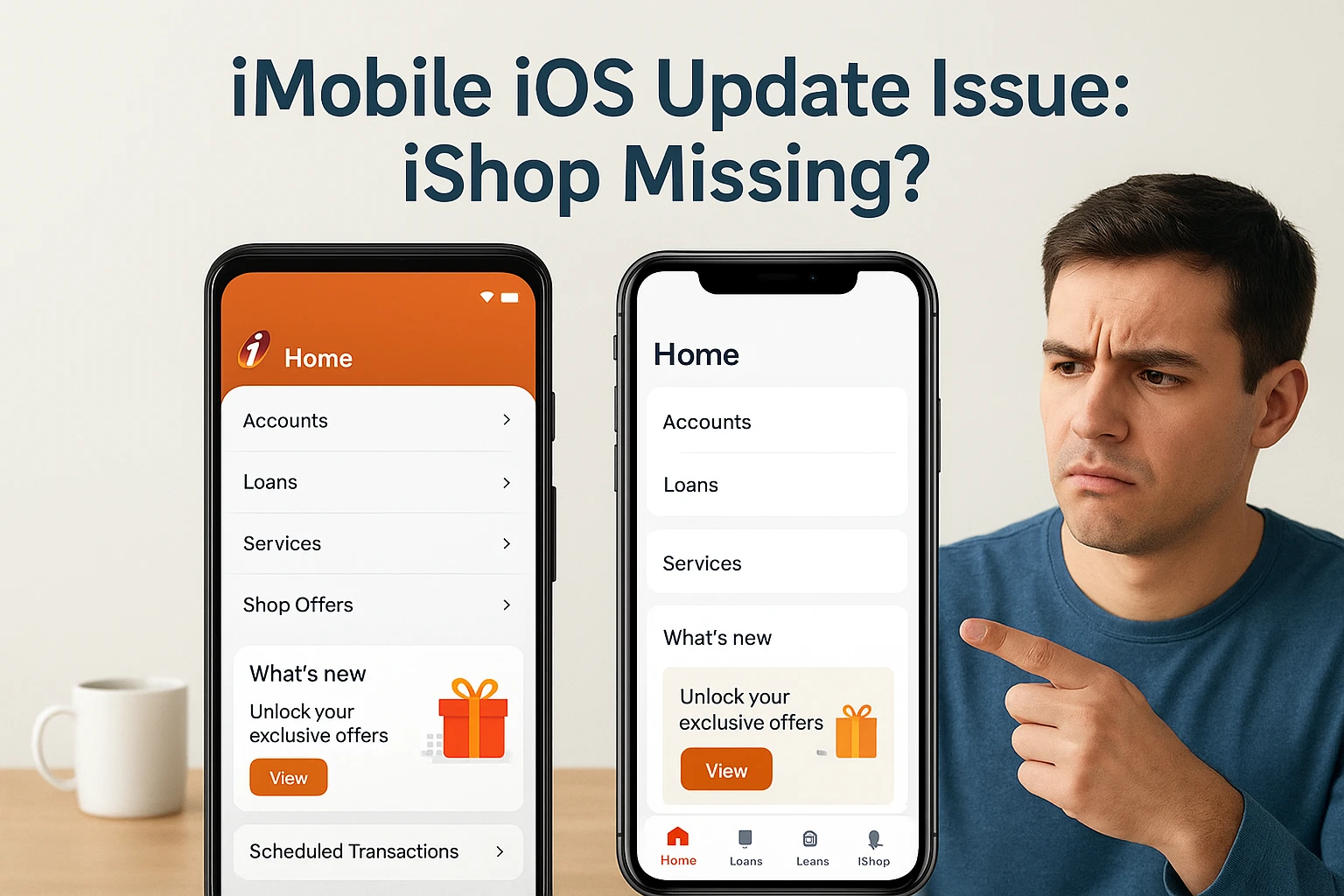
Hey everyone, I just updated my ICICI iMobile app on iOS after hearing that the new version finally adds the iShop feature and a redesigned credit card section but I can’t find the iShop option anywhere!
The update notes said it should be under Loans & More → Shopping → iShop, but in my app, the “More” tab isn’t even visible, it only shows the “Loans” page.
Is anyone else facing the same issue after updating?
Could this be a staggered rollout for iOS users or maybe a server-side update not yet live for everyone?
If anyone found a fix or the correct navigation, please share. it’ll help a lot of confused users like me
Hey! You’re definitely not the only one facing this, a lot of ICICI iMobile app users on iOS are wondering where the new iShop option went after the update. It was supposed to show up under Loans & More → Shopping → iShop, but for many iPhone users, that “More” tab just isn’t there yet.
From what it looks like, ICICI is rolling out this update in phases, which means some users got it early while others are still waiting for it to appear. On Android, it’s already visible, but on iOS, it seems to be a server-side rollout — so it might take a few more days to reflect for everyone.
A few users mentioned that logging out, reinstalling the app, or clearing cache/data helped the iShop option appear later. You can try that too — but don’t worry if it doesn’t work immediately. Sometimes Apple’s App Store takes a little longer to sync new app versions across all users.
The good news is that the credit card section update is live for everyone, it’s smoother now and even shows how many reward points you earned in the last month, which is a really handy detail.
So, nothing’s wrong on your end, the iShop section just hasn’t gone live for all iOS users yet. Give it a couple of days, and it should show up soon. Meanwhile, keep an eye under Loans & More → Shopping once your account is updated, it’ll appear automatically.