I recently heard about the official SBI HRMS mobile app and wanted to ask, has anyone tried it? How easy was it to download, check salary slips, or manage leave and pension?
I was also curious about this because many employees prefer mobile access to HRMS rather than using a browser.
Is there an official mobile app for SBI HRMS and how to download it?
Yes, SBI provides a mobile app called My HRMS SBI for employees and pensioners to access HR services like salary, leaves, pension, etc.
To download it:
First you need to open your phone’s app store and then search for My HRMS SBI app in the store. Check that the developer is the official SBI or not, then tap to download or Install the app. After installation open the app and enter your login credentials.
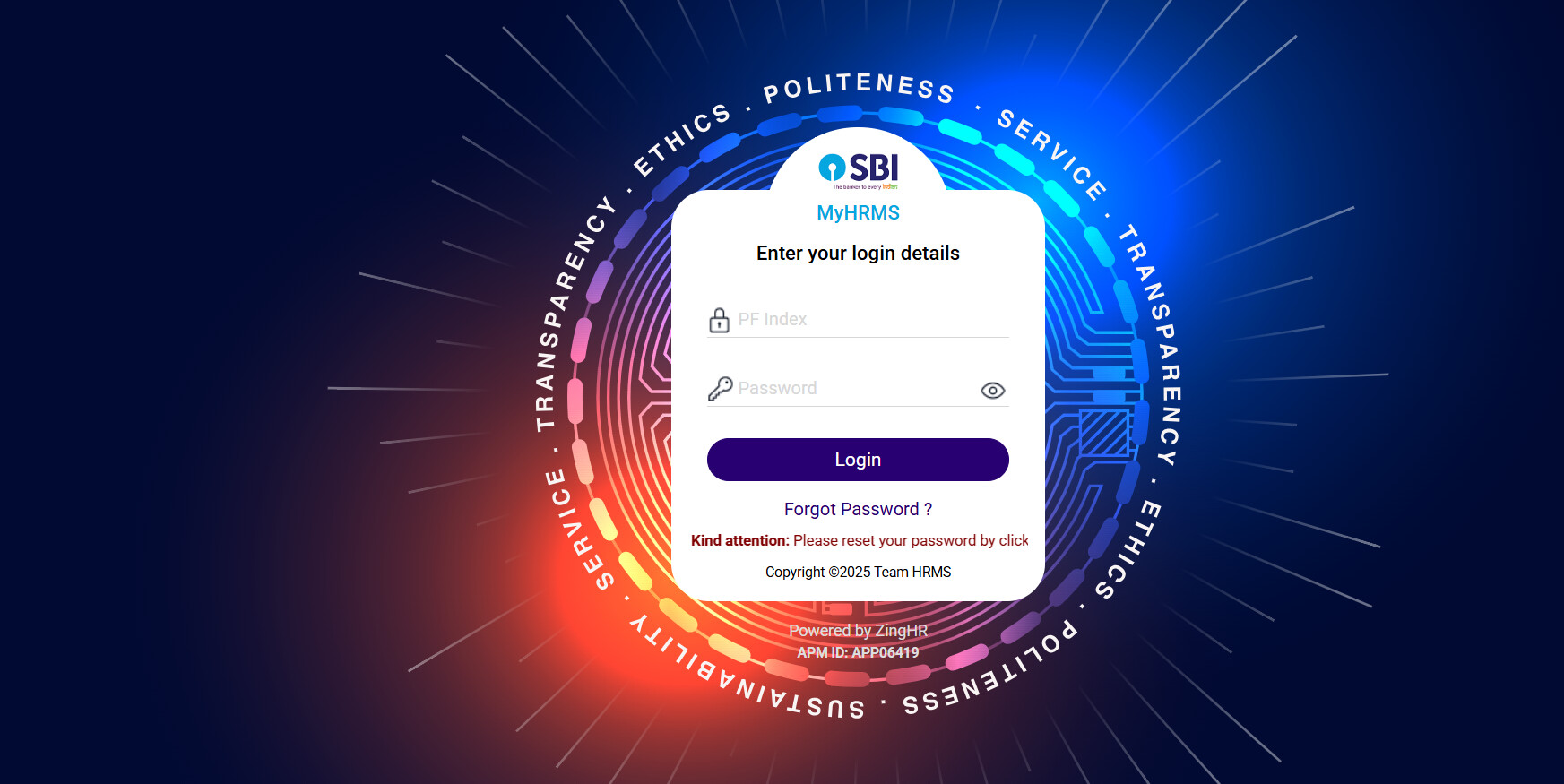
Features Available in the My HRMS SBI App
Feature What You Can Do With It Why It’s Useful
| Feature | What It Does | Benefit |
|---|---|---|
| Salary Slip / Payslip | View or download your monthly salary slips | Immediate proof of income |
| Leave Management | Apply for leave, view leave balance, check approval status | No need to approach HR or physically apply |
| Pension Details | Access pension statements, download relevant documents | Helpful for retired staff or pensioners |
| Attendance / Work Log | Check attendance records and work logs | Transparency and record keeping |
| Profile & Personal Info | Update personal contact, view employee data | Keeps your HR record up to date |