What steps should I take if I’m unable to log in to my bank’s HRMS portal because it keeps showing an “invalid credentials” or login failed error, even though I’m entering the correct details?
I remember feeling stuck too when the screen said “invalid credentials” and I needed my salary slip right away.
What should I do if my bank HRMS portal login fails?
-
Check your employee id and password again. One wrong letter or space stops the door from opening.
-
Click “Forgot Password,” put your id and mobile, get the otp, set a new password, then log in.
-
If the page will not load, wait a bit and try later, the site may be closed for repair.
-
Clear your browser cookies for today, open the site again, and try once more.
-
If nothing works, send your id and mobile to the hr help-desk, they will open the lock for you.
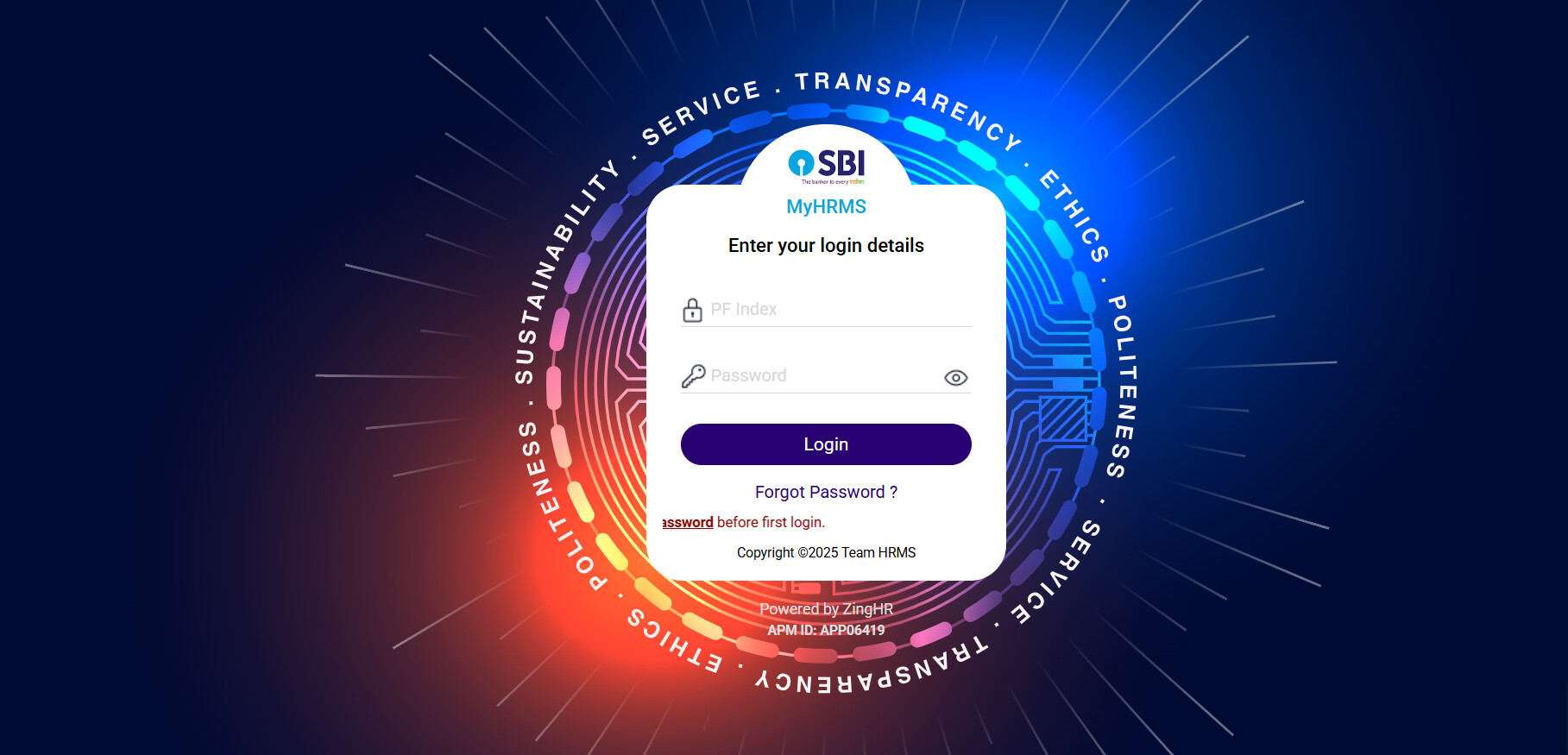
Why the login says no
| Reason | What to do |
|---|---|
| Wrong ID or password | Type slowly and check each letter |
| Old password | Use “Forgot Password” to make a new one |
| Site down | Wait ten minutes and try again |
| Old cookies | Clear them and refresh the page |
| Locked account | Ask HR or IT support to unlock |