I’ve been trying to open hrms.sbi.co.in on my computer and mobile, but it’s not loading. Has anyone else faced this? What did you do to get it working?
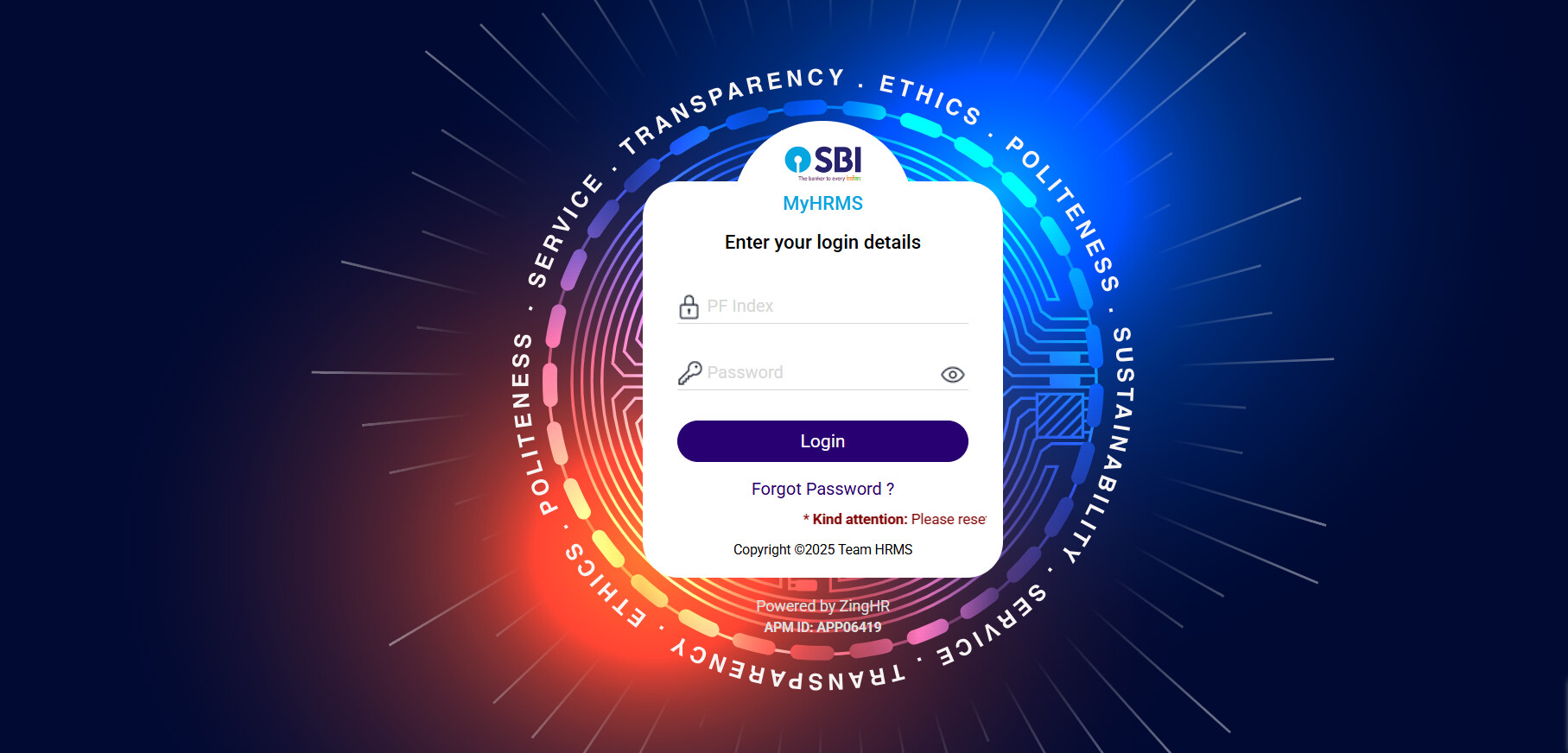
I was also wondering about this recently because many employees are facing the same problem with the SBI HRMS site. One big reason is that SBI has now shifted many services to the new HRMS portal and mobile app.
Why is hrms.sbi.co.in not opening on my computer or mobile?
-
The SBI has updated it’s portal to a new version and the old link which is hrms.sbi.co.in may no longer work properly.
-
Server stays down or maintenance happens when they upgrade or shift services to the new site.
-
Also, if your browser version is outdated or the cookies are blocked then it can cause failed page loading.
-
Network or VPN settings may also result in restricted access to the updated domain.
-
URL errors or using saved bookmarks may also redirect you to non working page.
Common Fixes for Smooth Access
| Problem | Simple Fix You Can Try |
|---|---|
| Shift to new portal | Try opening the latest SBI HRMS site or mobile app instead of old saved links |
| Maintenance or downtime | Wait for some time and check again during working hours |
| Outdated browser | Update your browser or try another one like Chrome or Firefox |
| Network restriction | Switch network or turn off VPN to access the new site |
| URL errors | Type the correct new portal address manually instead of clicking an old bookmark |